Aim: To understand how we can make school lunches healthier.
Method: Watch a video and take notes, lean new vocabulary about nutrition, foods and dishes, and give your opinion.
Exercise A. Vocabulary Exercise: What do these words / phrases mean?
Typical lunch:
Perk Up your health a bit:
Shaved off over 150 calories:
Keep energy levels stable:
Start swapping in healthier foods today:
Exercise B. The criteria used to compare lunches includes; 1) Calories, 2) Sodium (mg), 3) Sugars (g), and 4) Fibers (g). Explain the importance of this criteria. Why is it used? 50 – 100 words.
Exercise C. What is your opinion about this idea? Is it a good idea? Why or why not? Explain your response 50 – 100 words.
Aim: Topic video. This is a group activity – each member of your group must select a different topic. Read the information below to make your video slide presentation.
TOPICS
Japanese Food
Traditional clothing and uniforms in Japan
Famous sights in prefectures ( select one prefecture – different sights)
Japanese history (select your favorite era or period of time)
NEW* Compare Japanese ___________ with the past and now (select a topic)
VIDEO OBJECTIVE
Your objective is to make a video about 1 topic following the language guideline:
Title slide – create a slide to say why you selected this topic
provide 2 slides – select (FOI – research facts of information) websites to research information
make a personal information slide (different than research) and focus on i)experiences, ii)your opinions, and iii)give examples
make a slide to give foreigners specific details that might interest them
Reference slide – to track your researched information (3 to 5)
Zoom class 24th: Find a website (A) in English to recommend to a foreigner to read about your topic – explain the information (20 words); add the URL link to the slide
Zoom class 24th: Find a website (B) in English to recommend to a foreigner to read about your topic – explain the information (20 words); add the URL link to the slide
Researching the internet: there are two main ways to research for content:
Getting your ideas from the internet by searching
First of all, we make notes about information we might want to use as content
make a list of your own ideas
think of main points
think about what is common (general information) and what is not common (specialized (specific) information)
Referencing Methods: is a way to use information you get from the internet, textbook, article, magazine and so on. There are two standard methods
Referencing – Paraphrasing: reading content and writing the content in your own words
Referencing – Quotation: direct copy and paste of a sentence / part of a sentence / word or phrases
complete the 8 slide presentation; title(1); FOI (2/3); Personal information (4); specific details (5); Website A(6); website B(7); References – last slide(8)
bring the slide presentation to class for group practice
You need: a smartphone; YouTube app on your phone; YouTube account or another account you can log in with, for example GMail; smartphone access from your Photo app to YouTube app.
Speaking Script: On your smartphone, take a video face shot of yourself and read the script and record to upload to YouTube. Follow these steps:
Step 1: copy and paste the script into a PowerPoint File called MyScript, and complete the following details; a) full-name; b) age; c) course name (in English); and d) possible future job (perhaps).
Hi. My name is __________ and I am _________ years old. I entered Iwate University in 2020 and I am enrolled in the ___________________ course. In the future I am interested in becoming __________________ .
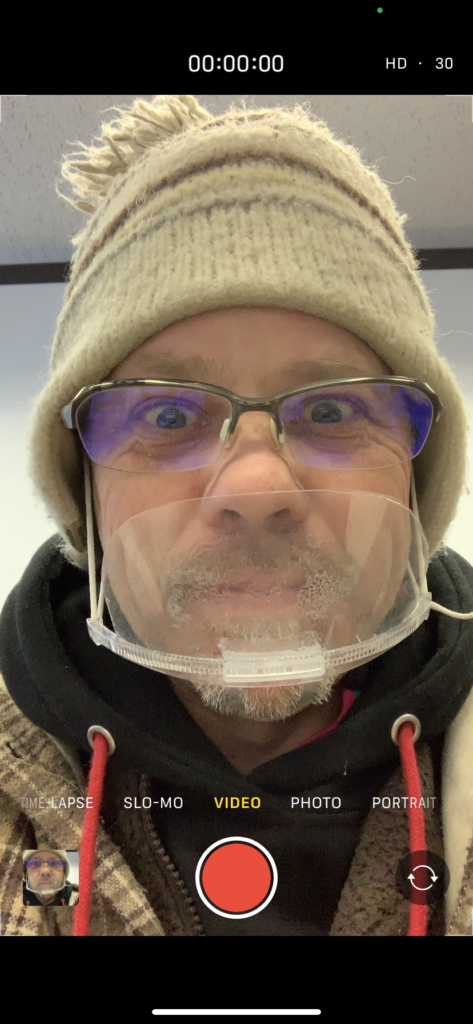
Step 2: Practice your short script and then record using your smartphone. Hold the phone close to you, center your face-shot, and in front of the script on your PC. And smile:)
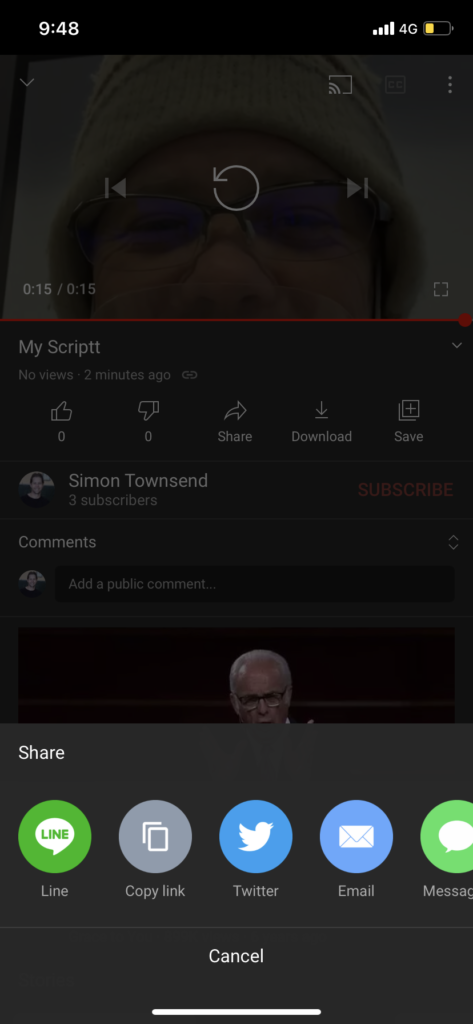
Step 3: On your smartphone, choose your Photo app, and select the video you want to upload, and click share (bottom of the screen):
Or, open the YouTube app, and click on the share / upload / plus button:
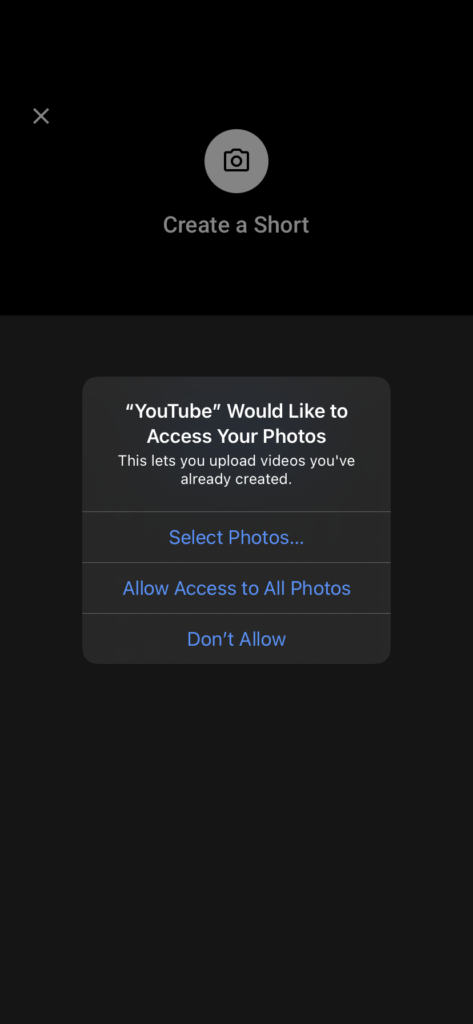
You may have to click on and allow the YouTube app access to your photos and videos:
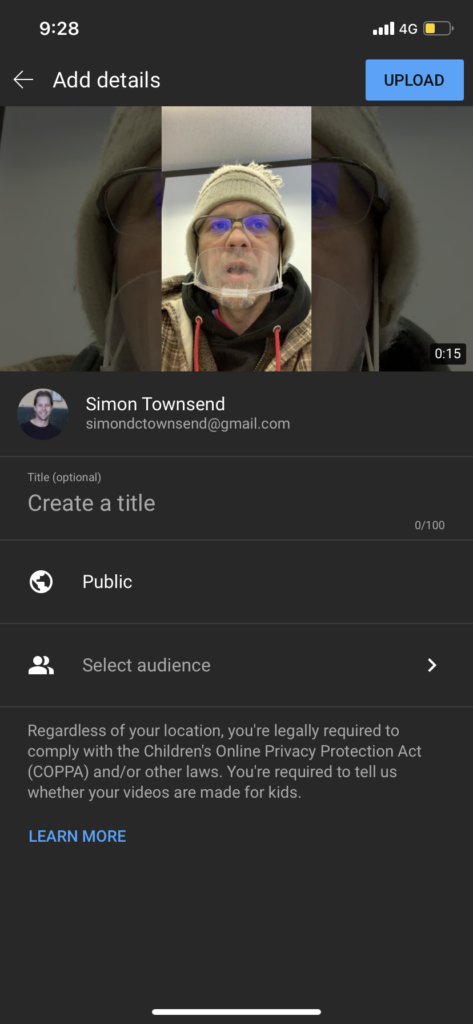
Next, follow the privacy directions and a) in the Create a title write My Script:
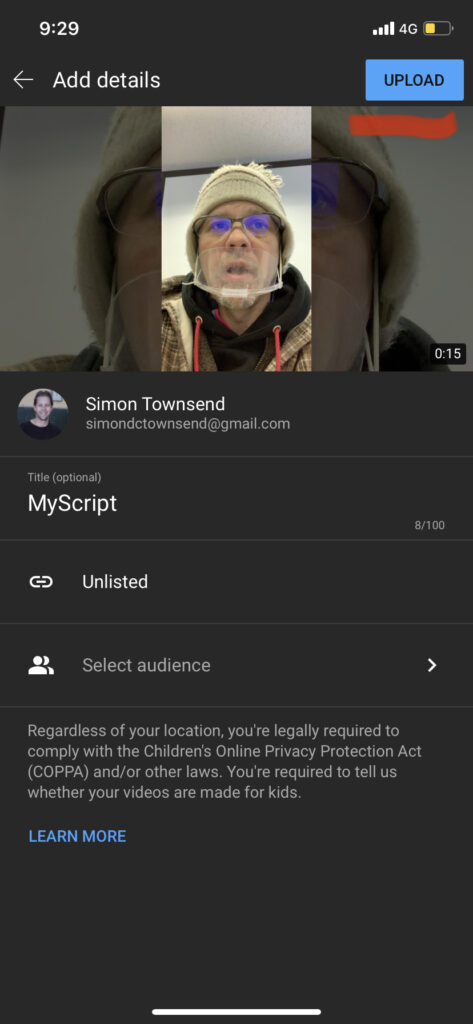
Next, you DO NOT want your video to be Public (to the world). So, b) select Unlisted, and your video will be made using a secret URL
Next, click on Upload (the top button)
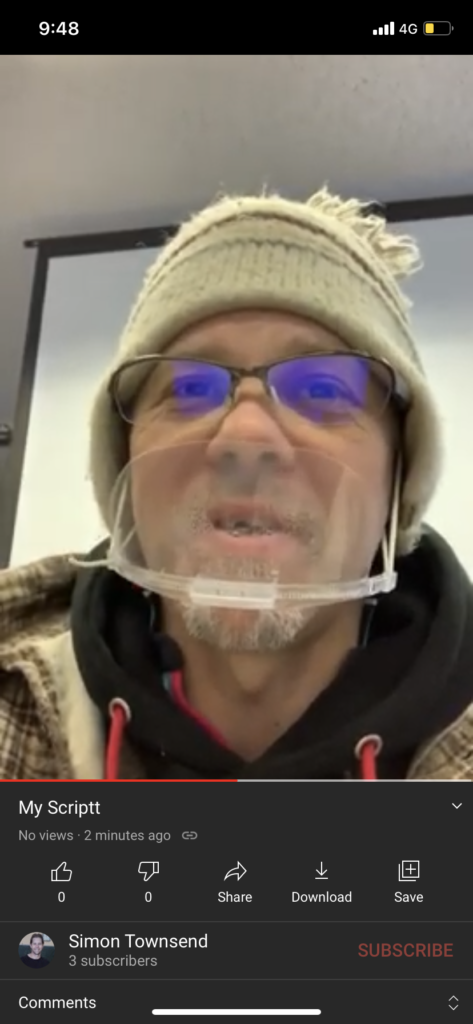
After a few minutes you will be notified that your video has uploaded (Mine took 2 minutes using 4G).
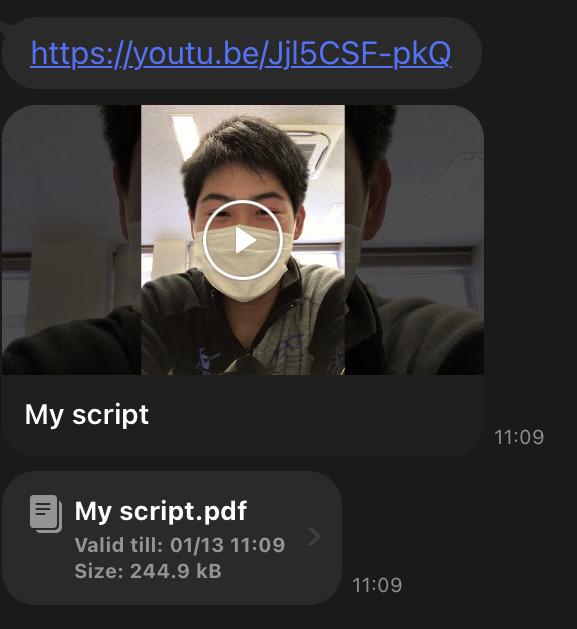
Also you will be able to access the secret URL. Next, upload into Gandai Online
Here is my video example:https://www.youtube.com/embed/h2rQyacdpeY?feature=oembed