YouTube practice activity
You need: a smartphone; YouTube app on your phone; YouTube account or another account you can log in with, for example GMail; smartphone access from your Photo app to YouTube app.
Speaking Script: On your smartphone, take a video face shot of yourself and read the script and record to upload to YouTube. Follow these steps:
Step 1: copy and paste the script into a PowerPoint File called MyScript, and complete the following details; a) full-name; b) age; c) course name (in English); and d) possible future job (perhaps).
Hi. My name is __________ and I am _________ years old. I entered Iwate University in 2020 and I am enrolled in the ___________________ course. In the future I am interested in becoming __________________ .
Step 2: Practice your short script and then record using your smartphone. Hold the phone close to you, center your face-shot, and in front of the script on your PC. And smile:)
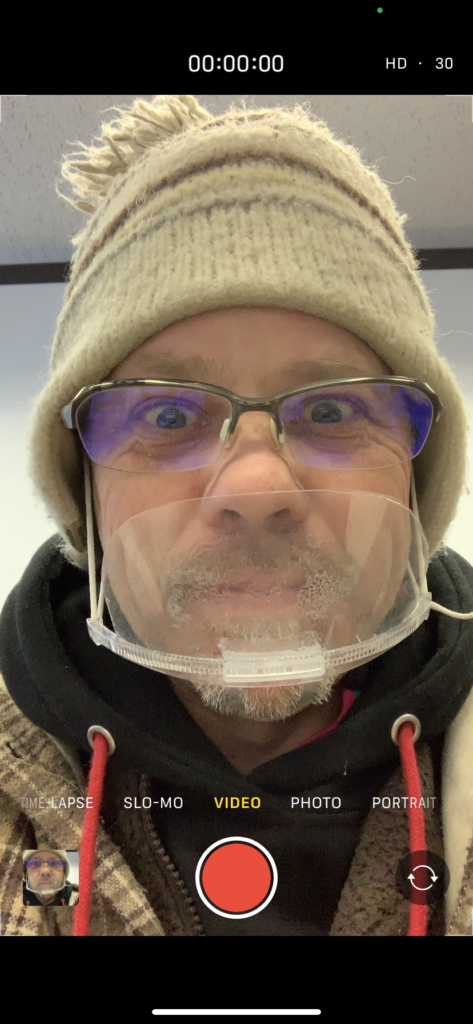
Step 3: On your smartphone, choose your Photo app, and select the video you want to upload, and click share (bottom of the screen):

Or, open the YouTube app, and click on the share / upload / plus button:

You may have to click on and allow the YouTube app access to your photos and videos:
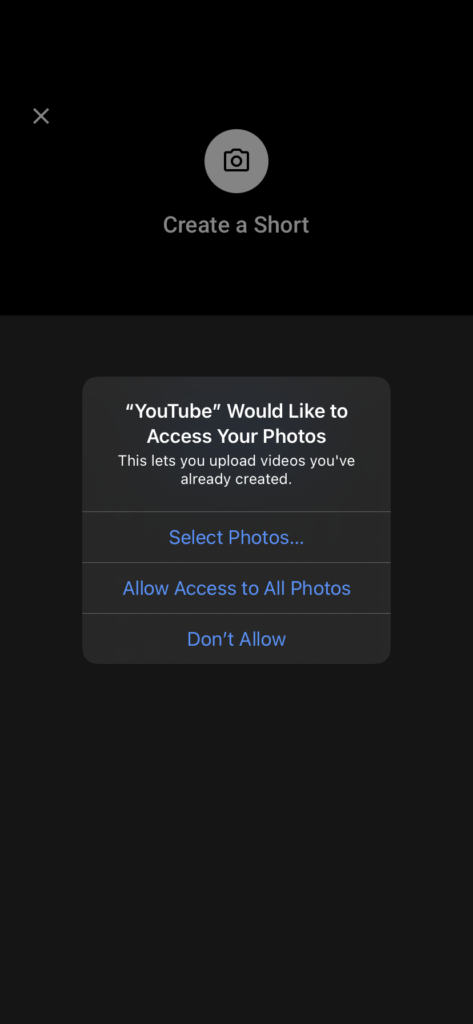
Next, follow the privacy directions and a) in the Create a title write My Script:
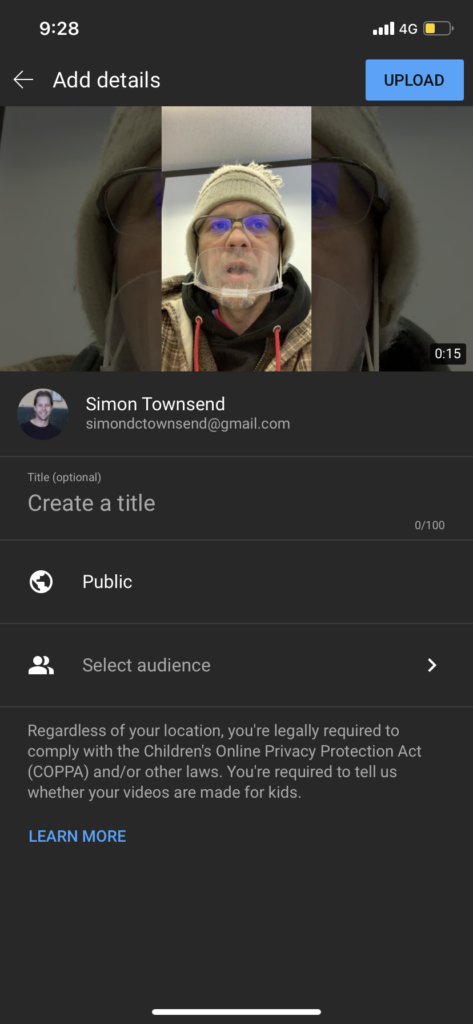
Next, you DO NOT want your video to be Public (to the world). So, b) select Unlisted, and your video will be made using a secret URL


Next, click on Upload (the top button)
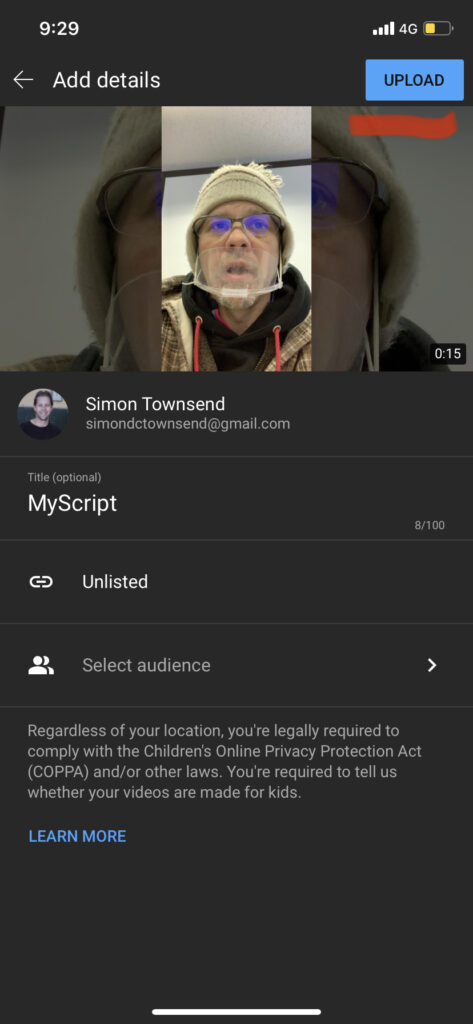
After a few minutes you will be notified that your video has uploaded (Mine took 2 minutes using 4G).
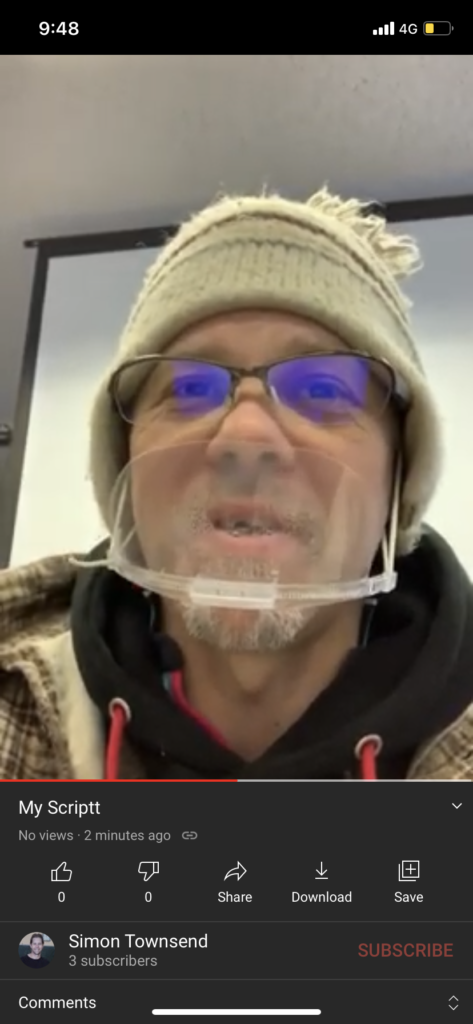
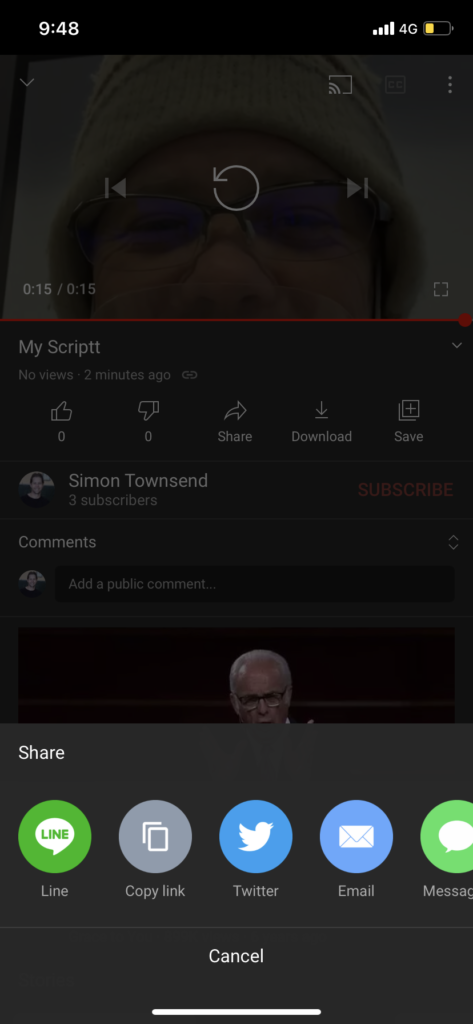
Also you will be able to access the secret URL. Next, upload into Gandai Online
Here is my video example:https://www.youtube.com/embed/h2rQyacdpeY?feature=oembed
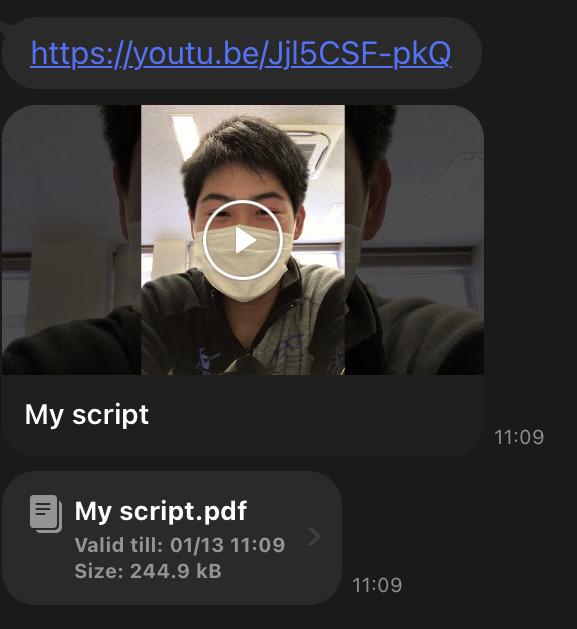
Final Submission: via LINE (see student example)
- YouTube URL
- MyScript PDF file
Student Example: