You need: a smartphone; YouTube app on your phone; YouTube account or another account you can log in with, for example GMail; smartphone access from your Photo app to YouTube app.
Speaking Script: On your smartphone, take a video face shot of yourself and read the script and record to upload to YouTube. Follow these steps:
Part A – Upload YouTube URL & PDF (PowerPoint) Due: 27th 14:00pmVideo Title: MyScriptAdvanced; PDF Title: MyScriptAdvanced
Slide 1: copy and paste the script into a PowerPoint File called MyScriptAdvanced, and complete; a) your full-name (in English) and age; b) University name / year / course name (in English); and c) possible future job (perhaps).
Slide 2: copy and paste the script into a PowerPoint File called MyScriptAdvanced, and a) explain why did you entered this course!
Slide 3: copy and paste the script into a PowerPoint File called MyScriptAdvanced, and a) explain why you want to do a future job!
Slide 4: copy and paste the script into a PowerPoint File called MyScriptAdvanced, and a) explain other interests you have!
Slide 5: copy and paste the script into a PowerPoint File called MyScriptAdvanced, and a) explain where you want to live!
Part B – Upload YouTube URL & PDF (PowerPoint) Due: by February 3rd 14:00pm. Video Title: MyScriptAdvanced2; PDF Title: MyScriptAdvanced2
Objectives: research the internet related to your future job/career. Find and select a problem connected to it (job/career). Research the problem to identify; and present solutions to solve this problem. Recognize the advantages and disadvantages. Follow and complete the slides below 6; 7; 8; 9; and 10. Submit your YouTube URL and PowerPoint (as a PDF file) in Line
Slide 6: copy and paste the script into a PowerPoint File called MyScriptAdvanced2, and complete; a) complete the Title of your Problem; b) include a picture and a picture description.
Slide 7: copy and paste the script into a PowerPoint File called MyScriptAdvanced2, and complete; a) complete the Explanation of Solution 1; b) include a picture and a picture description.
Slide 8: copy and paste the script into a PowerPoint File called MyScriptAdvanced2, and complete; a) complete the Explanation of Solution 2; b) include a picture and a picture description.
Slide 9: copy and paste the script into a PowerPoint File called MyScriptAdvanced2, and complete; a) complete one advantage for each solution, and b) complete one disadvantage for each solution.
Slide 10: copy and paste the script into a PowerPoint File called MyScriptAdvanced2, and complete; a) complete your final opinion about the problem and solutions.
You need: a smartphone; YouTube app on your phone; YouTube account or another account you can log in with, for example GMail; smartphone access from your Photo app to YouTube app.
Speaking Script: On your smartphone, take a video face shot of yourself and read the script and record to upload to YouTube. Follow these steps:
Step 1: copy and paste the script into a PowerPoint File called MyScript, and complete; a) full-name; b) age; c) course name (in English); and d) possible future job (perhaps).
Hi. My name is __________ and I am _________ years old. I entered Iwate University in 2020 and I am enrolled in the ___________________ course. In the future I am interested in becoming __________________ .
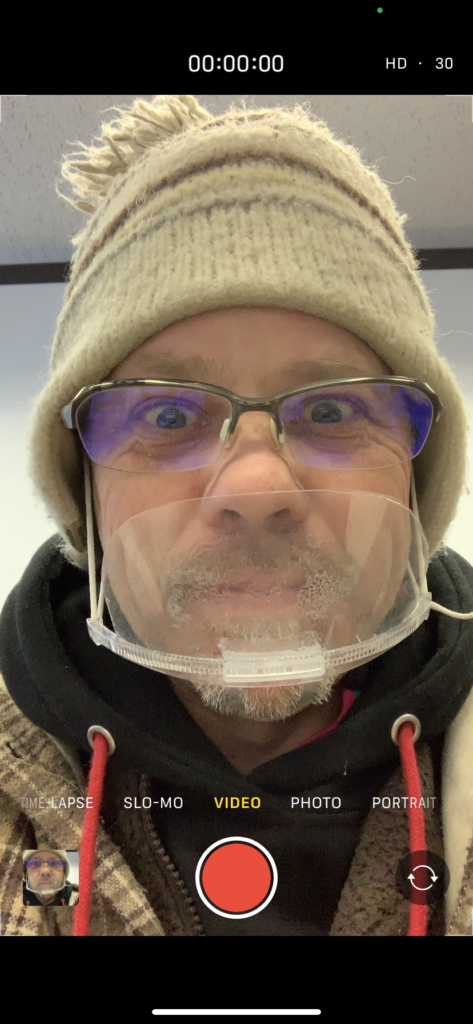
Step 2: Practice your short script (2or3times) and then record using your smartphone. Hold the phone close to you, center your face-shot, and in front of the script on your PC. And smile:)
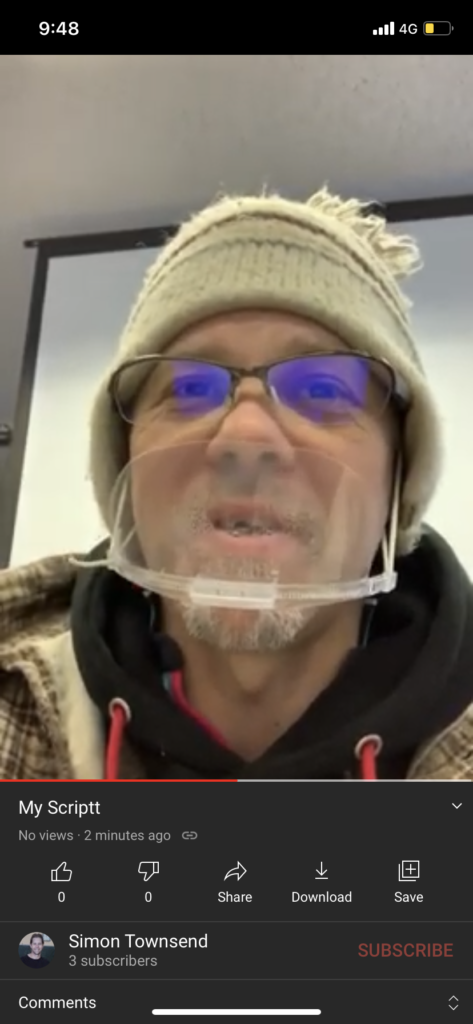
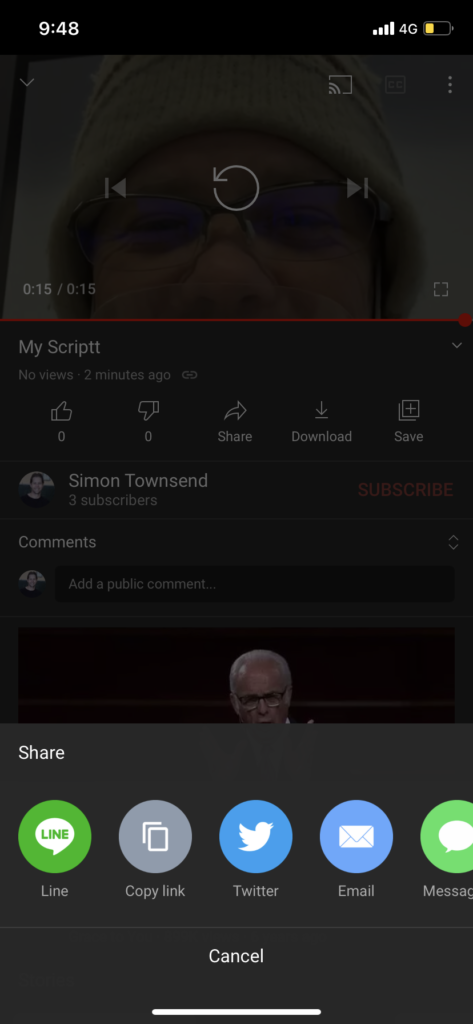
Step 3: On your smartphone, choose your Photo app, and select the video you want to upload, and click share (bottom of the screen):
Or, open the YouTube app, and click on the share / upload / plus button:
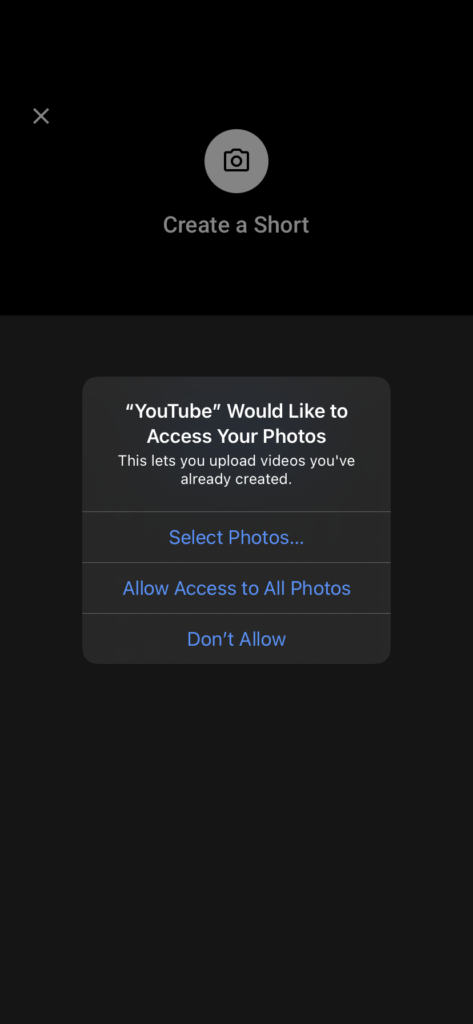
You may have to click on and allow the YouTube app access to your photos and videos:
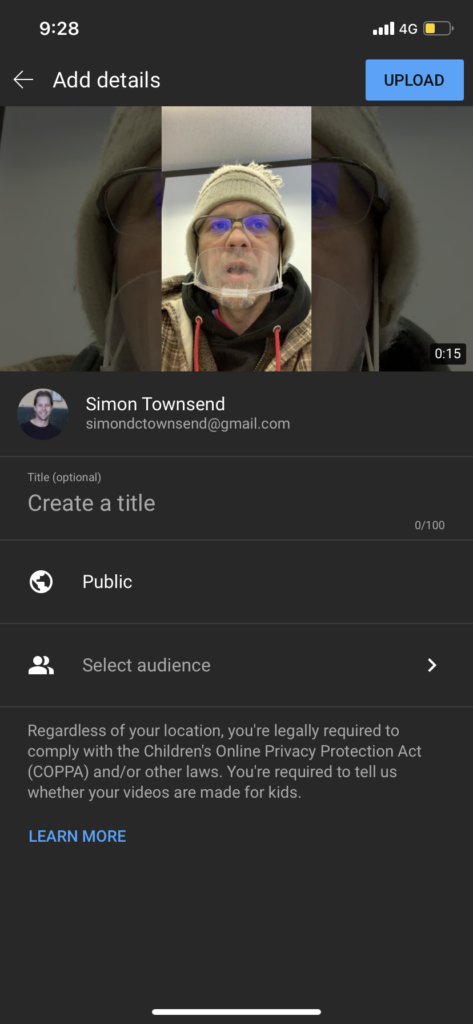
Next, follow the privacy directions and a) in the Create a title write My Script:
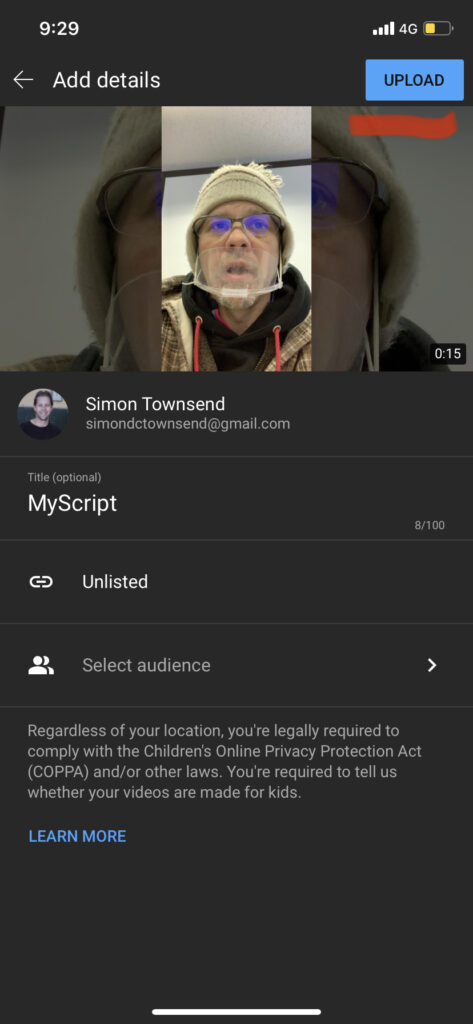
Next, you DO NOT want your video to be Public (to the world lol). So, b) select Unlisted, and your video will be made using a secret URL
Next, click on Upload (the top button)
After a few minutes you will be notified that your video has uploaded (Mine took 2 minutes using 4G).
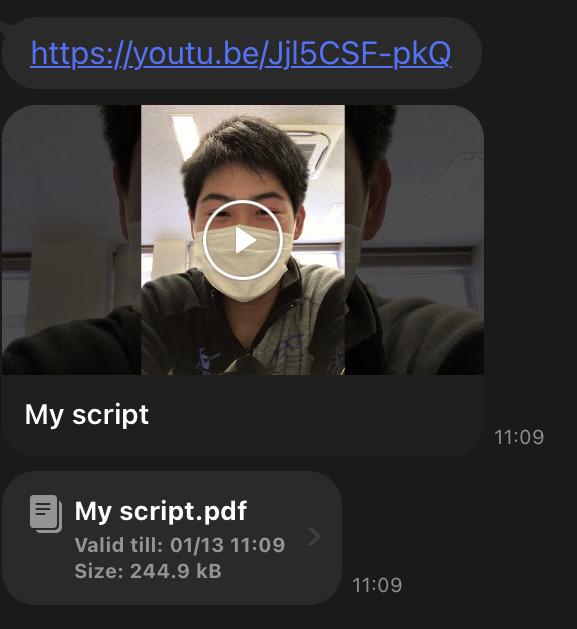
Also you will be able to access the secret URL. Next, Share directly to me in LINE.
Aim: To write your impression, following a report format called Feedback Report
Objective: To express yourself based on video content; your thoughts and ideas.
Video: Where the Hell is Matt?
Submission: Submit the following report, using the below format in a word document. There are 5 parts to this feedback report Save as PDF and LINE. Due: December 18th 9pm
Title: create your own title about the video
Key words: key words a; keywords b; keywords c
Introduction sentence: explain this video (20words or less)
You can make improvements by going back to the video, taking more FOI in your research slide, changing your presentation content and continuing the self-evaluation process. This is made up of many processes and is an Activity Cycle
Aim 1: Is to transcribe your speech; this means to listen to your video recording and type the exact words. Record as many lines: Time / Script you want to.
Objective: To create a final transcribe (see attached document) in word. Please submit as a PDF in LINE, by next class.
Submission Guidelines by LINE
Audio Recording
4 speech slides – PDF
Transcribe word document – PDF
Transcribe (90second speech) word document – PDF See example below:
Aim 2: Repeat the previous audio activity and submit with YouTube video
Video Conditions: Follow these requirements
Record in the privacy of your own home (no mask)
Center your face-shot
Create name: My Transcribe
Select Unlisted
Practice & Repeat – upload when you are satisfied with your speech (not the first time)
Final Submission Outline: Complete the following submissions in LINE