YouTube

YouTube practice activity

You need: a smartphone; YouTube app on your phone; YouTube account or another account you can log in with, for example GMail; smartphone access from your Photo app to YouTube app.

Speaking Script: On your smartphone, take a video face shot of yourself and read the script and record to upload to YouTube. Follow these steps:

Step 1: copy and paste the script into a PowerPoint File called MyScript, and complete the following details; a) full-name; b) age; c) course name (in English); and d) possible future job (perhaps).

Hi. My name is __________ and I am _________ years old. I entered Iwate University in 2020 and I am enrolled in the ___________________ course. In the future I am interested in becoming __________________ .

Step 2: Practice your short script and then record using your smartphone. Hold the phone close to you, center your face-shot, and in front of the script on your PC. And smile:)
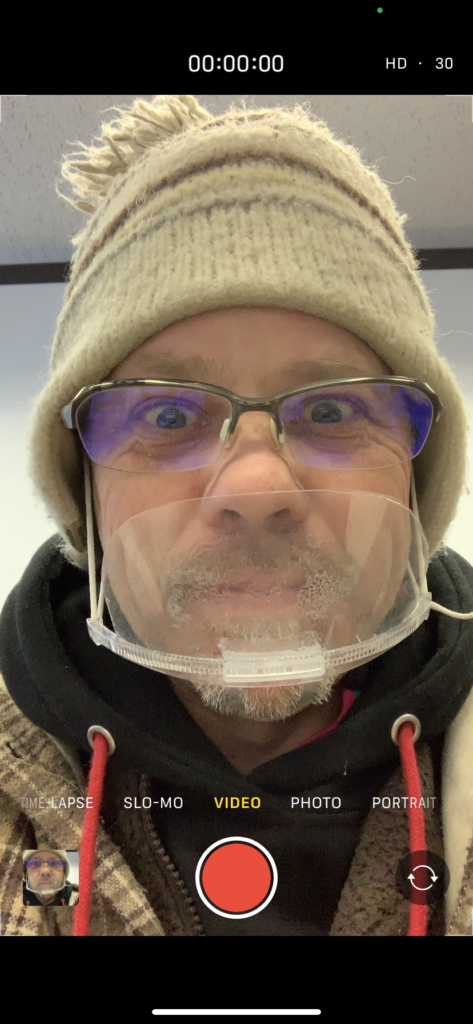
Step 3: On your smartphone, choose your Photo app, and select the video you want to upload, and click share (bottom of the screen):

Or, open the YouTube app, and click on the share / upload / plus button:

You may have to click on and allow the YouTube app access to your photos and videos:
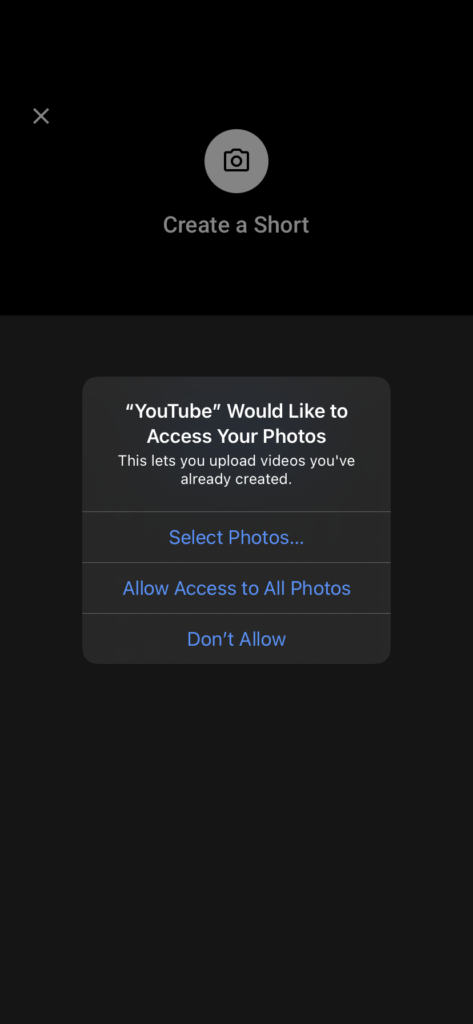
Next, follow the privacy directions and a) in the Create a title write My Script:
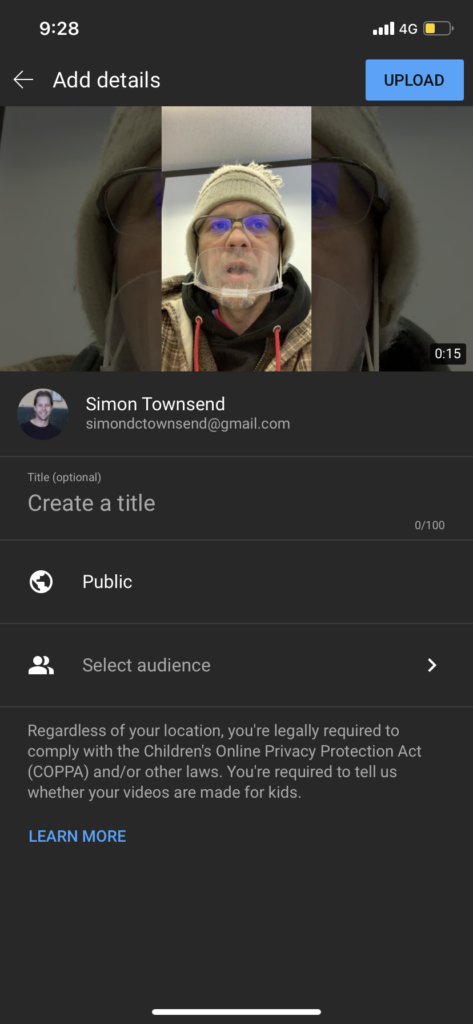
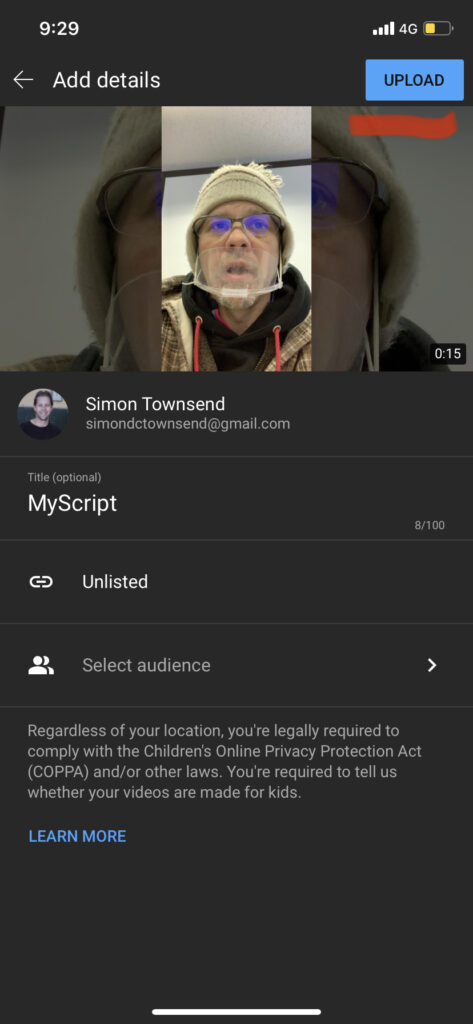
Next, you DO NOT want your video to be Public (to the world). So, b) select Unlisted, and your video will be made using a secret URL

Next, click on Upload (the top button)
After a few minutes you will be notified that your video has uploaded (Mine took 2 minutes using 4G).

Also you will be able to access the secret URL. Next, upload into Gandai Online
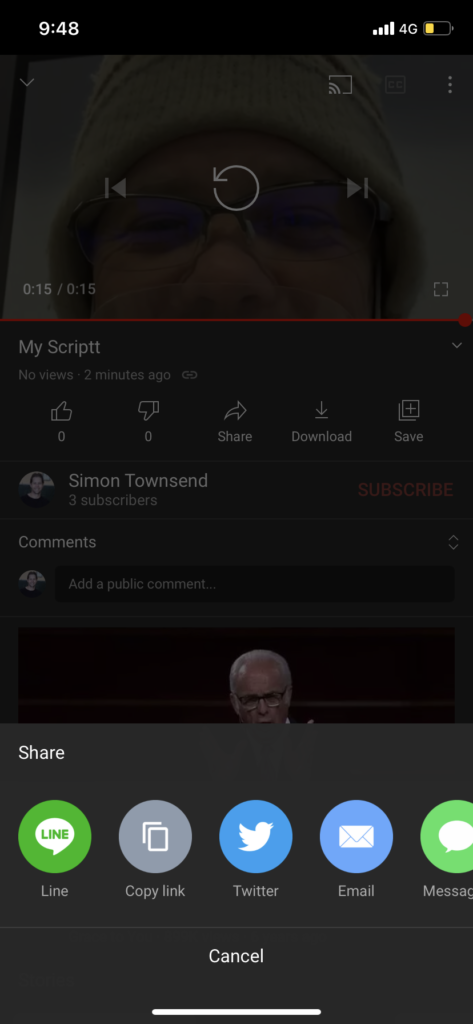
Here is my video example:https://www.youtube.com/embed/h2rQyacdpeY?feature=oembed

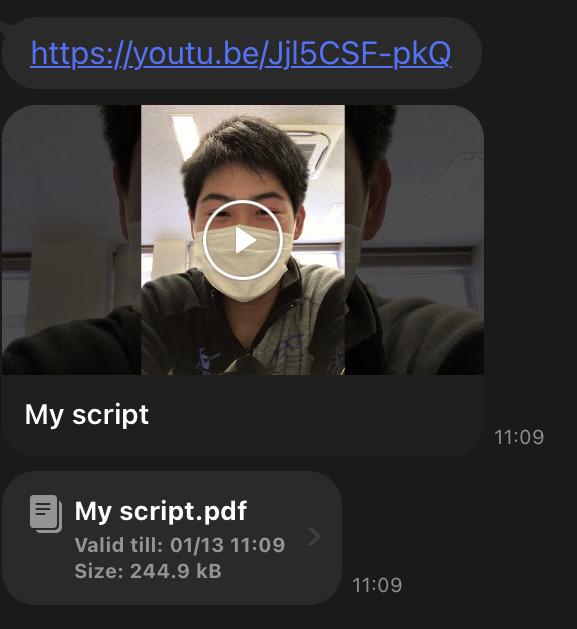
Final Submission: via LINE (see student example)

  • YouTube URL
  • MyScript PDF file

Student Example:

Week 5 – Presenting

Aim 1: To practice presenting; upload your slides to Gandai online

Method: Instructions will be given in class.

Steps: Follow these steps:

  • Present your Presentation 2 times in class – to another student
  • First Practice;
  • Then present to each other
  • Listen to each others speech; and observe (look at) the slides
  • Use the PowerPoint Play function to present your slides in full screen

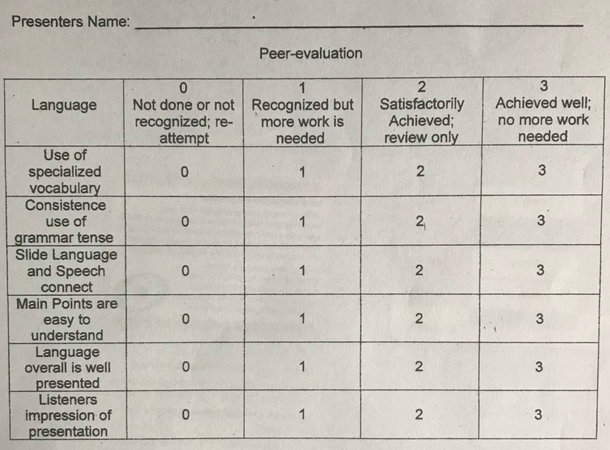
Speaking Criteria:

Home Work: Submit your slides (PowerPoint) as a PDF: submit to Gandai online link

Week 2 Word convert to PDF

Aim: To learn about Microsoft Word and how to convert to PDF. Follow the steps below: There are 4 steps.

Method: Create a new Word Document and save the file as student number_W2

  1. Title: What is PDF? (10-20 words) and research in English using Google.com.
  2. Watch the video and complete the exercise below. The time of the video is given in order presented in the video. Copy the Title and paste 1 to 11 into your Word document.

Title: How to Convert Word to PDF (0:00 to 2:35)

  1. 0:47 What kind of Word document is it?
  2. 1:00 Its extremely ____________________ (complete this sentence)
  3. 1:02 What do you do first?
  4. 1:05 Then we are going ____________________ (complete this sentence)
  5. 1:17 What does he mean by default?
  6. 1:20 What is the Word file format?
  7. 1:26 What is under the File name?
  8. 1:40 What are the three options he (Kevin) gives to save?
  9. 1:54 Is the file type “dot” “PDF” or (.pdf) ? Yes or No
  10. 2:13 Does he select any PDF options or does he save the default PDF?
  11. 2:22 What does the standard PDF match?

Answers:

3. Title: Summary: Write a short summary about the video (35-50words).

4. Title: My say

  1. Explain when you have used PDF
  2. What ‘important point’ did you lean about Word document and PDF today?
  3. Give your opinion about using PDF at university and in your future work or job.
  • write 100 words
  • check your grammar
  • check your spelling
  • 5%

*You will loose marks for not answering the question, and writing less than 100words.

Submit into the Gandai course. Save your word document as a PDF and upload into Week 2: Wedp3

Orientation Class

Aim: Watch this video. Prepare a short report about your impression of this video

Definition: Oxford dictionary (2020): Impression: “an idea, feeling, or opinion about something or someone, esp. one formed without conscious thought or on the basis of little evidence

Method: PowerPoint and speaking activities

Language objectives:

  • Title: My impression
  • I am impressed by __________ . (20 words)
  • My favorite scene was __________ because __________ . (20 words)
  • I want to travel to __________ in the future because __________ . (20 words)

Template: see below My Impression

Video:

Criteria: Use this list as a checklist;

  • Check that you have completed the aim
  • Language objectives – have you been able to use the text correctly
  • 20 words
  • Go home and finish your assignment
  • Practice reading aloud – pronunciation
  • Reflect – think about the exercise; evaluate your own performance