How to record your presentation
Aim: To record your poster presentation using your smartphone, and follow the submission guidelines
Equipment: you need the following;
- PC or Notebook computer, tablet
- Poster (PDF)
- Script (speech card)
- Smartphone (Simon’s LINE)
Method: read your script card and read your poster to present and record your video; see the video technique.
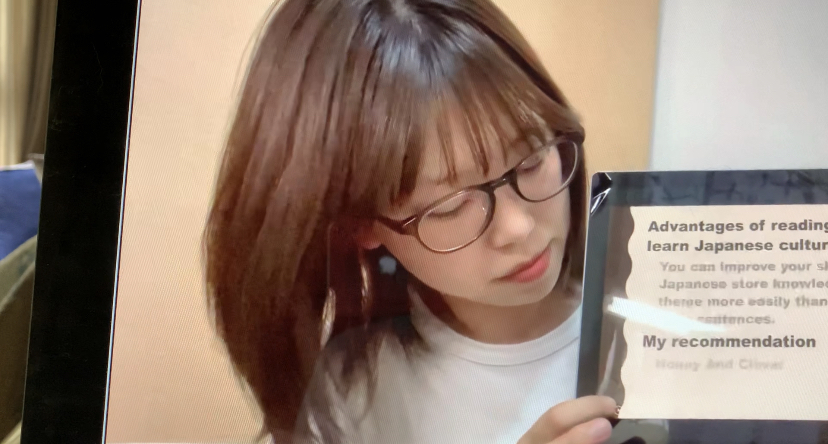
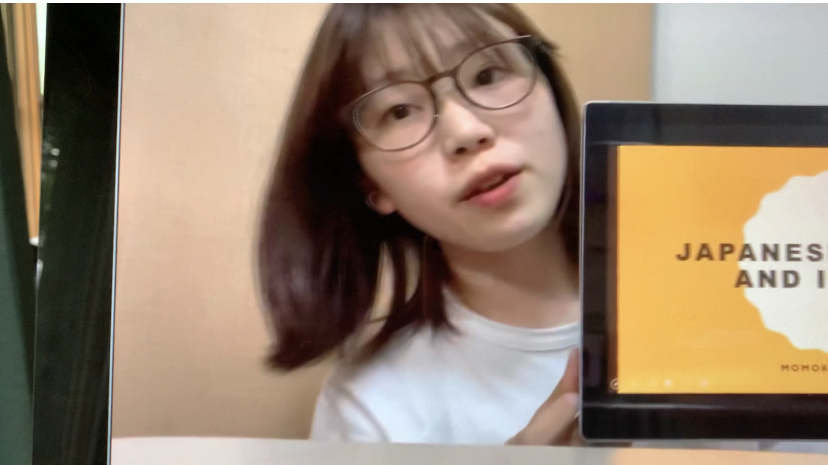
- Video Technique – look at the student example. The student is next to the screen. The script and smartphone is in front. She is sometimes looking at the script (picture 1); sometimes looking at her screen (picture 2), and sometimes looking at the camera (picture 3)

Assessment: read the score card, and information
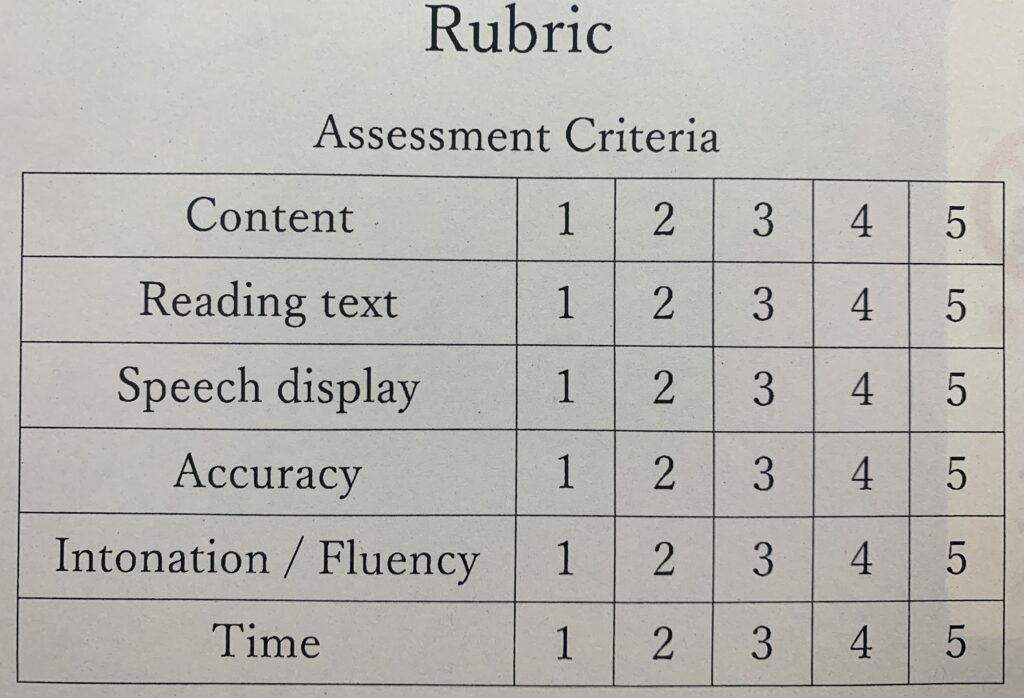
- Content: information for each section
- Reading text: highlight key words in your information; use sentences and bullet points
- Speech display: Poster layout; video technique (See picture 1, picture 2, picture 3); record in a quiet place, take of your mask, and speak clearly.
- Accuracy: poster and speech
- Intonation / Fluency: voice and expression
- Time: 90 seconds (limits: 85seconds to 95seconds) *Minus points for short videos or long videos
Submission Steps
There are two submissions. The video and the CEFR-speech. Read the steps below:
1.Video Submission: Send your video to LINE (Simon Townsend)
- First, text me your project code: mutp2
- Second, upload your video
- Third, text me your name in English, and student number

2. CEFR-speech link
- First, in the textbox write the project code: mutp2
- Second, upload your CEFR-Speech screenshot
- Third, name in English, student number, student email – submit.