Method 1: record your presentation using your smartphone and computer
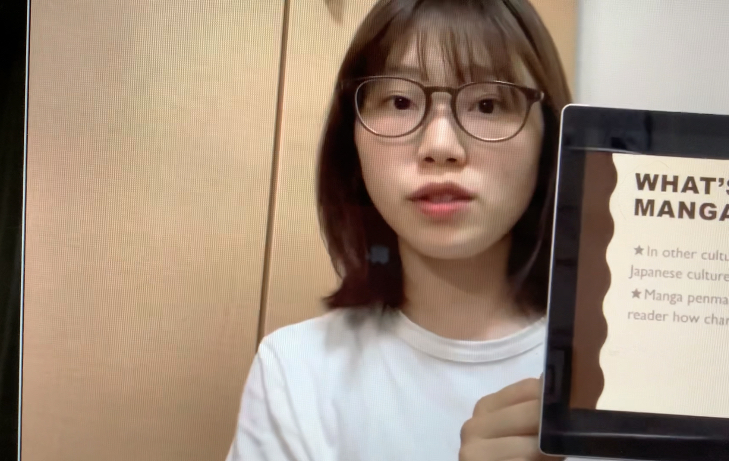
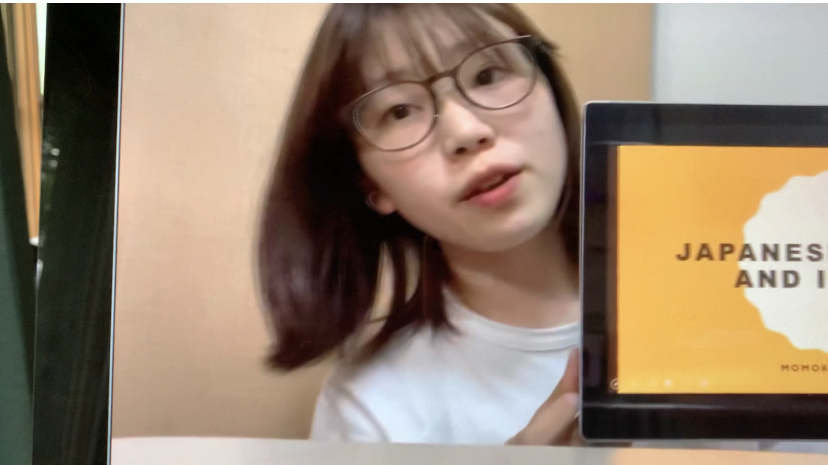
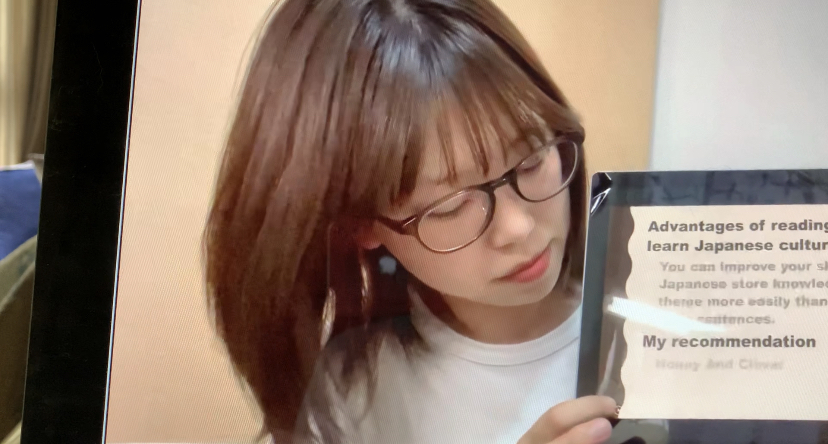
- Set up – look at the student example. The student is next to the screen. The script and smartphone is in front. She is sometimes looking at the script (picture 1: position); sometimes looking at the camera (picture 2: position), and sometimes looking at her screen (picture 3: position).
Content:
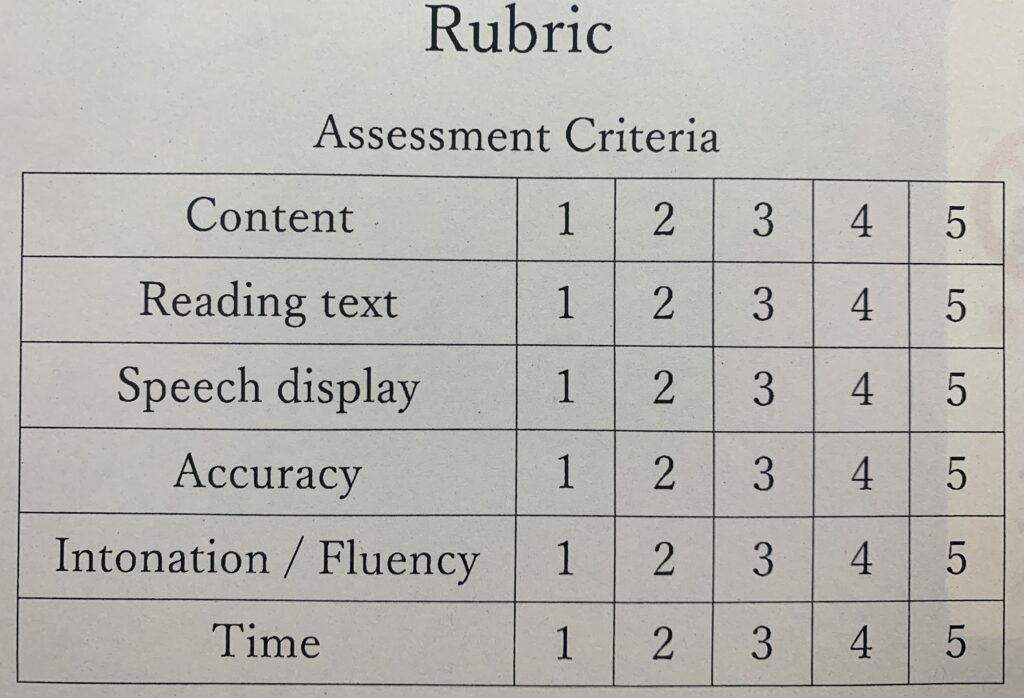
- information for each section
Reading text:
- highlight key words in your information
- use sentences
- use bullet points
Speech display: Poster layout
- organize your poster layout information
- video technique
Accuracy:
- no mistakes on your poster
- no mistakes in your audio (pronunciation)
Speech:
- intonation – speaking with up tone and down tone
- fluency – reading pace (fast or slow)
Time:
- Time 1 – word count limit (100 words)
- Time 2 – seconds time limit (60 or 90 seconds)
Submission: You can record in class any day and any time. BUT, you must submit to the teacher in class via LINE.